The short answer
Most people buying a first embroidery machine are really choosing a hoop size. Brand, screen size and the number of built-in designs matter much less than whether the machine can stitch the size of design you'll actually make. So start there:
- Names, monograms and small motifs (up to 4" x 4"): a 4" x 4" machine is enough and is the least expensive way in. The Brother PE545 (embroidery-only, wireless, 135 built-in designs) and the Brother SE700 (the same 4" x 4" field plus a sewing machine) are the common starting points.
- Left-chest logos, tote bags, bigger names (up to 5" x 7"): step up to a 5" x 7" field such as the Brother PE900 (embroidery-only) or the Brother SE2000 (sewing + embroidery).
- Bigger designs without a commercial machine: the bernette b70 DECO (260 x 160 mm) and Poolin EOC06 (20 x 28 cm) give you a jacket-back-sized field on a home machine.
Here's how those compare, using the specs from each manufacturer's page:
| Machine | Max field | Type | Designs | Fonts | Wireless | Approx. price | Shop |
|---|---|---|---|---|---|---|---|
| 4" x 4" | Embroidery-only | 135 | 10 | Yes | Under $500 | Check Price on Amazon ↗ | |
| 4" x 4" | Combo | 135 | 10 | Yes | Under $500 | Check Price on Amazon ↗ | |
| 5" x 7" | Embroidery-only | 193 | 13 | Yes | $1,000–$2,000 | Check Price on Amazon ↗ | |
| 5" x 7" | Combo | 193 | 13 | Yes | $1,000–$2,000 | Check Price on Amazon ↗ | |
| 10.2" x 6.3" (260 x 160 mm) | Embroidery-only | 208 | 7 | Not listed | $1,000–$2,000 | Check Price on Amazon ↗ | |
| 20 x 28 cm (7.9" x 11") | Embroidery-only | 200 | 8 | Yes | $1,000–$2,000 | Check Price on Amazon ↗ |
Prices are approximate ranges from listings we checked on November 21, 2026. Embroidery machine prices move around a lot, and bundles with thread and extra hoops are common, so always check the current price.
Step 1: Pick your hoop size
The "hoop size" on an embroidery machine is the largest area it can stitch in one go. Brother's 4" x 4" field is 100 x 100 mm and its 5" x 7" field is 130 x 180 mm. A design larger than the field has to be split into pieces and re-hooped, which is fiddly and hard to line up as a beginner. (Our hoop size guide has a checker that tells you which machines fit a given design size.)
Think about the largest thing you'll make regularly, not the largest thing you can imagine making once:
- 4" x 4" covers initials on towels and napkins, names on kids' clothes and small motifs on bags. Plenty of people never need more.
- 5" x 7" adds breathing room for left-chest logos and larger names, plus mid-size designs on totes and pillow covers. A 5" x 7" machine can still stitch every 4" x 4" design.
- 6" x 10" and up is for jacket backs, sweatshirt fronts and bigger quilt blocks. This is where home machine prices step up noticeably.
If the price gap between a 4" x 4" and a 5" x 7" machine is manageable for you, the bigger field is the safer bet. People who outgrow a first machine usually do it because of the hoop size, and you can't add field size later. On the other hand, if you only want to personalize small items, a 4" x 4" machine is a perfectly good tool, not a compromise.
Watch for long, narrow fields. Some budget machines advertise a big number on one side only. Poolin's Poolin EOC05 and Poolin EOC03, for example, stitch 10 x 23.5 cm. That's great for long names and borders, but at 100 mm on the short side it can't stitch a standard 5" x 7" (130 x 180 mm) design. Singer's Singer SE9180 field is 170 x 100 mm, which has the same limitation.
Step 2: Embroidery-only or sewing + embroidery?
A combo machine is a regular computerized sewing machine with an embroidery unit that attaches to it. An embroidery-only machine can't sew seams at all. Which is better depends on what you already own:
- You don't own a sewing machine and want to sew too: a combo such as the Brother SE700 or Brother SE2000 saves space and usually money.
- You already have a sewing machine: an embroidery-only machine lets you keep sewing while a design stitches out, and at a similar price it often gives you a larger field or more embroidery features.
We go deeper in embroidery-only vs combo.
Step 3: The specs that actually matter for a first machine
Getting designs onto the machine
You'll quickly want designs beyond the built-in ones, so check how files get to the machine. Most current home machines take a USB stick. Several Brother models (PE545, PE900, SE700, SE2000) also list wireless transfer through Brother's Design Database Transfer software, and Poolin lists Wi-Fi on its EOC machines. Wireless is a convenience, not a necessity.
File formats
This is the spec beginners most often overlook. Embroidery designs are sold as files in machine-specific formats: Brother's own format is PES, Janome's is JEF, Singer's SE9180 takes VP3, and commercial machines generally use Tajima's DST. Most design shops offer several formats, so this is rarely a dealbreaker, but check before you buy a machine with an unusual requirement. Poolin, for example, says its machines read DST and DSB files and that other formats must be converted first (it offers free software to do that). bernette's b70 DECO is unusually flexible: bernette lists VP3, VIP, PEC, HUS, DST, EXP, JEF and PES.
On-screen editing
Being able to rotate, resize, combine and add lettering on the machine's screen saves you from needing software at first. Brother, Janome, bernette and Poolin all describe on-screen editing on the models in this guide. Singer notes that design editing in its CREATIVATE platform needs a paid Elite membership.
Built-in designs and fonts (less important than they look)
Built-in design counts range from 80 (Brother PE535) to several hundred. Fonts matter more than designs if you'll mostly do names and monograms: Brother's PE545 lists 10 lettering fonts and the PE900 lists 13. Beyond that, you'll likely buy or download most of the designs you use, so don't pay extra purely for a bigger built-in library.
Warranty and support
Check who services the machine near you. Brother lists a 1/2/25-year limited warranty on the PE545 and PE900. Janome, bernette and Baby Lock lean on dealer networks, which can mean classes and in-person help but often less discounting. Machines bought from third-party Amazon sellers can have different warranty terms, so read the listing.
What else you'll need to buy
A machine alone won't stitch much. Plan for these supplies on top of the purchase price:
- Stabilizer (backing). It supports the fabric while thousands of stitches go in. Tear-away suits stable woven fabrics, cut-away is the usual choice for stretchy knits like T-shirts, and wash-away is for lace and items where the back shows. Starting with a small assortment is common.
- Embroidery thread. Polyester and rayon embroidery threads (commonly 40 weight) are standard. A starter set of colors is enough to begin.
- Bobbin thread. Finer than top thread; pre-wound bobbins save time. Brother says the PE545 ships with three pre-wound bobbins of 90-weight bobbin thread.
- Needles. Embroidery needles in size 75/11 are a common default. Poolin says its single-needle machines now ship with 80/12 needles.
- Small curved scissors for trimming jump stitches, and optionally temporary spray adhesive for "floating" hard-to-hoop items.
- Designs. Free designs exist, but most people end up buying some. If you want to turn your own artwork into stitches, that's called digitizing and needs software (Brother's PE-Design, Hatch, Embrilliance and the free Ink/Stitch extension for Inkscape are well-known options).
Common first-machine mistakes
- Choosing by built-in design count. You'll outgrow the built-ins quickly. Field size and fonts matter more.
- Assuming hats are easy. Structured baseball caps need a cap frame or cap driver, which home single-needle machines generally don't offer. See our small business and hats guide.
- Buying the biggest hoop "just in case" and then embroidering tiny items. A large hoop holds small pieces less securely. Many machines include, or can use, a smaller hoop for that reason.
- Skimping on stabilizer. Puckering and gaps are usually a stabilizer or hooping problem, not a machine problem.
- Ignoring discontinued status. Models such as the Brother PE800, Brother SE1900 and Brother PE535 are marked discontinued on Brother's site but still listed for sale. They can be fine buys, but check warranty and hoop availability first.
A shortlist by situation
Based purely on published specs (we haven't tested these machines hands-on):
- Lowest-cost way into 4" x 4" embroidery: Brother PE545. Embroidery-only, 135 designs, 10 fonts, USB and wireless.
- 4" x 4" and you want to sew too: Brother SE700. Same field and design count as the PE545 plus 103 sewing stitches.
- Room to grow into left-chest logos: Brother PE900 (5" x 7", 193 designs, 13 fonts, wireless).
- 5" x 7" combo: Brother SE2000 (5" x 7", 241 sewing stitches, wireless).
- Large field, reads many file formats: bernette b70 DECO (260 x 160 mm, 208 designs).
- Long names and borders on a budget: Poolin EOC03 (10 x 23.5 cm field; reads DST/DSB).
Still unsure? The Help Me Choose quiz filters every machine in the database by your projects and budget.
Beginner FAQ
Is a 4" x 4" embroidery machine too small?
Not if you mostly do names, monograms and small motifs. It's too small if you want left-chest logos with room to spare, jacket backs or large quilt blocks.
Can a beginner start with a multi-needle machine?
Yes, if you plan to sell items or embroider caps, but it costs several thousand dollars, needs dedicated space and has more to learn. See single vs multi-needle.
Do I need software to start?
No. On-screen editing on most current machines handles placing designs and adding lettering. You'd want software later to digitize your own artwork or do heavier editing.
Are built-in designs enough?
They're enough to learn on. Most people buy or download designs within a few weeks.
Machines mentioned in this guide
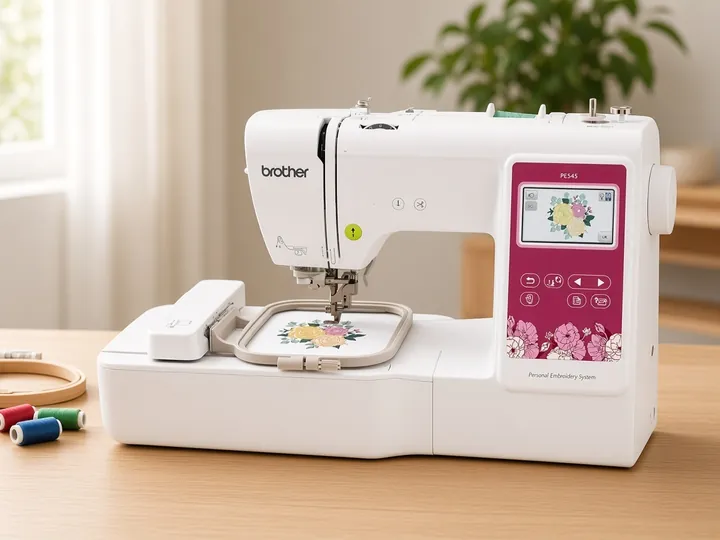 Brother PE5454" x 4" · 1 needle
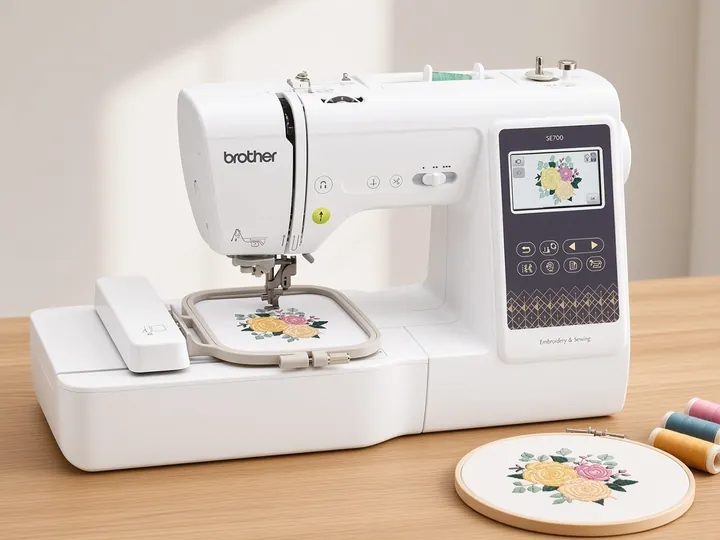 Brother SE7004" x 4" · 1 needle
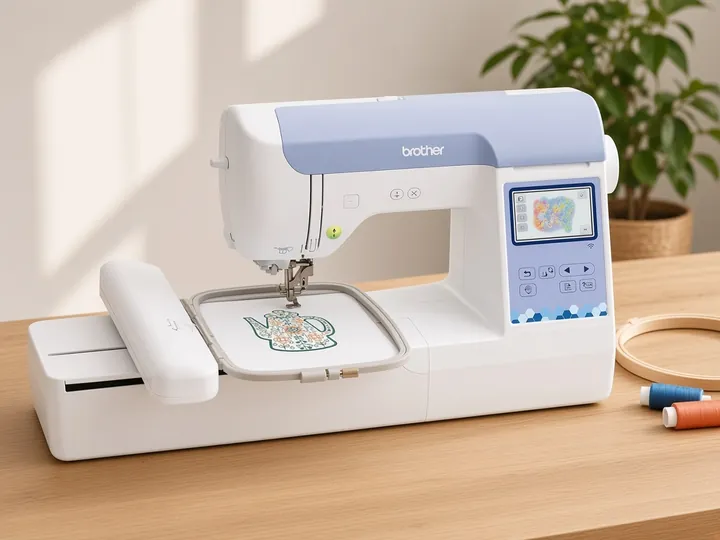 Brother PE9005" x 7" · 1 needle
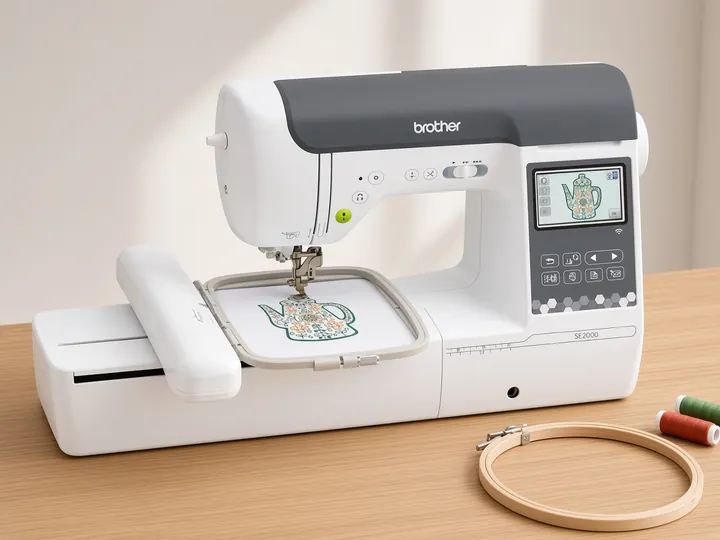 Brother SE20005" x 7" · 1 needle
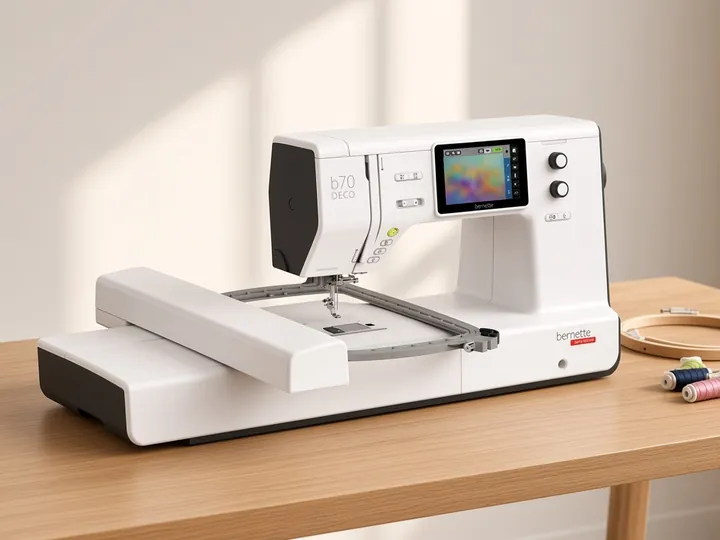 bernette b70 DECO10.2" x 6.3" · 1 needle
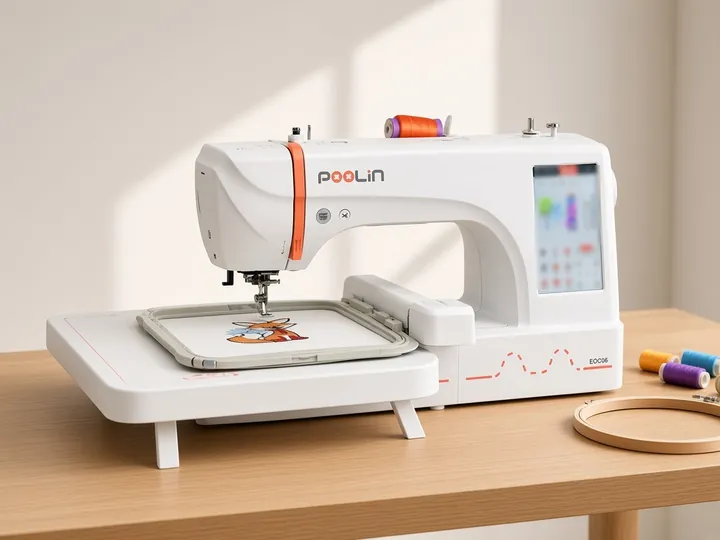 Poolin EOC0620 x 28 cm · 1 needle
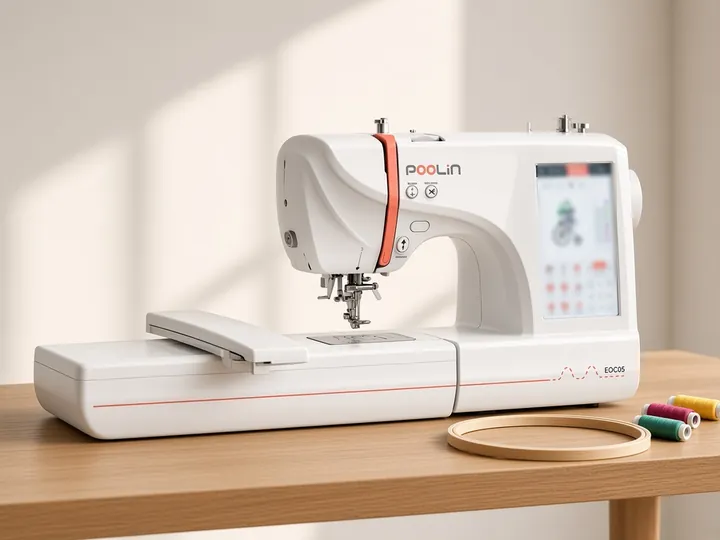 Poolin EOC0510 x 23.5 cm · 1 needle
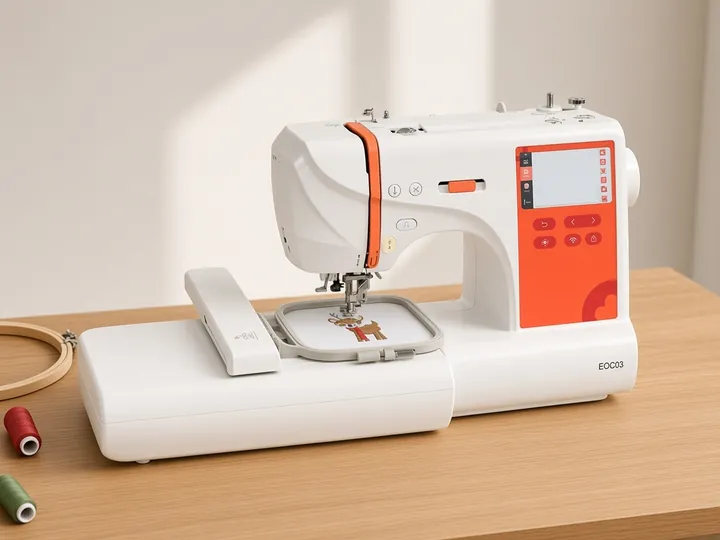 Poolin EOC0310 x 23.5 cm · 1 needle
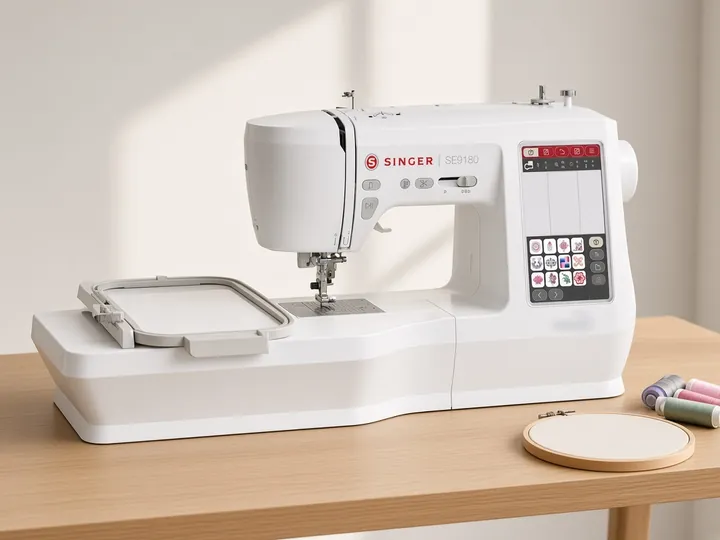 Singer SE9180170 x 100 mm · 1 needle
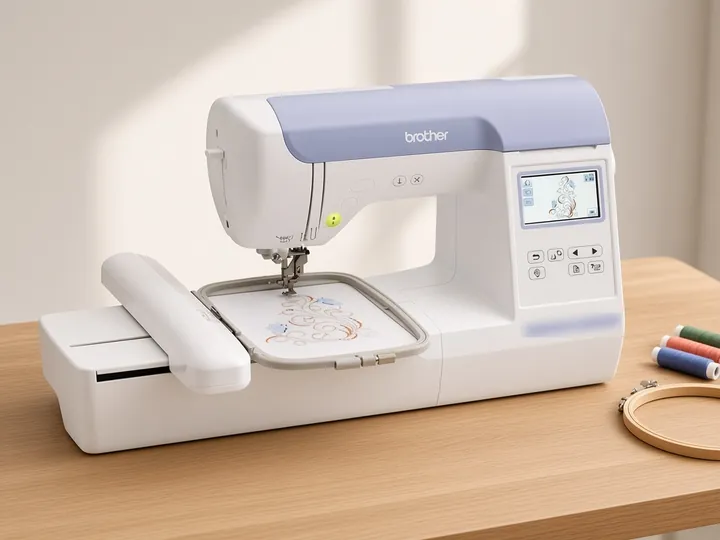 Brother PE8005" x 7" · 1 needle
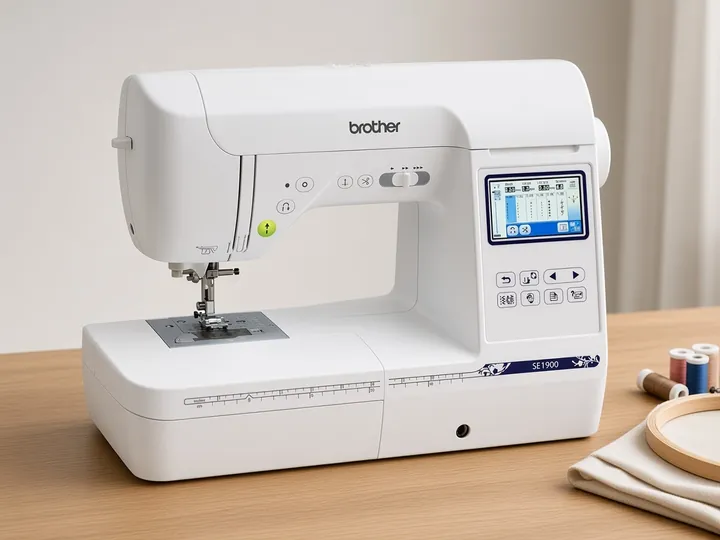 Brother SE19005" x 7" · 1 needle
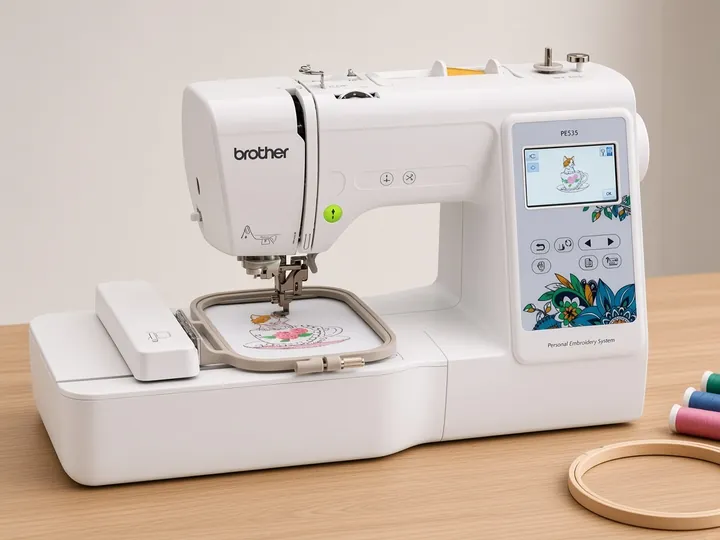 Brother PE5354" x 4" · 1 needle
Specs and price ranges were checked November 21, 2026 against manufacturer and retailer pages linked on each machine page. When you buy through our Amazon links we may earn a commission, which doesn't change what we include. Disclosure.